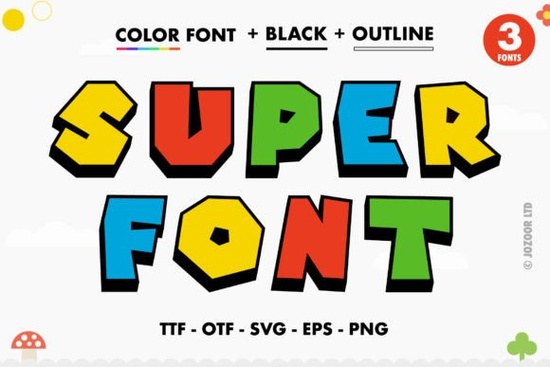
If you’ve been looking for a bold, playful typeface that brings instant energy to your projects, Super Font might be exactly what you need. It’s thick, it’s colorful, and it’s designed to stand out whether you’re making posters, t-shirts, stickers, or digital graphics. The best part? Every swash and alternate glyph is easy to access because it’s PUA encoded. That means no digging through character maps or guessing how to trigger those fun extras.
This isn’t your average font file. Super Font is an OpenType-SVG color font, which gives it built-in color layers and stylized effects right inside the letterforms. You don’t need to manually recolor or layer anything the vibrancy is baked in. Just install it, open your design software, and start typing. It works beautifully in Adobe Photoshop, Illustrator, Silhouette Studio, and even free tools like Inkscape. If you’re using Cricut, though, keep in mind the OTF and TTF versions won’t support the color features so check compatibility before you dive in.
Who should try this font?
If you run a small shop selling custom mugs or tote bags, or if you’re a crafter who loves making birthday banners or classroom decor, this font adds personality without extra work. Print-on-demand sellers will appreciate how quickly it creates eye-catching mockups. Teachers preparing back-to-school materials can find similar playful styles in our back-to-school font collection, but Super Font stands out with its chunky, cheerful vibe.
Hobbyists who enjoy experimenting with typography will love how intuitive it is. Since all the decorative elements are embedded and accessible via standard font menus (thanks to PUA encoding), you don’t need advanced skills to make professional-looking designs. Even if you’re just starting out, you can create something that feels polished and intentional.
What makes it different from other colorful fonts?
Many “color fonts” require you to manually apply gradients or overlays in your design program. Super Font skips that step. Each letter comes pre-styled with multiple colors and shading, so your text looks finished as soon as you type it. Think of it like having a sticker pack built into your keyboard press a key, and you get a fully rendered graphic letter.
You can still customize it further if you want. Change the size, rotate it, add drop shadows the base structure holds up well. And because it’s vector-based (in compatible programs), scaling won’t degrade the quality. For more tips on working with fonts like this, take a look at our guide to using Super Font and similar styles.
How do I know if my software supports it?
Here’s a quick compatibility list:
- Adobe Photoshop – Full color support from CC 2017 onward
- Adobe Illustrator – Works great, especially for scalable vector output
- Silhouette Studio – Business Edition or higher recommended for SVG font use
- Inkscape – Free and surprisingly capable with color fonts
- Cricut Design Space – Does not support OpenType-SVG; stick to PNG or SVG cut files instead
If you’re unsure about your version or setup, Creative Fabrica has a helpful Super Font guide that walks through installation and usage across platforms. It’s worth bookmarking if you plan to use more color fonts in the future.
Can I use it for commercial projects?
Yes with no extra license needed. Whether you’re designing for yourself or selling products online, you’re covered. That includes print-on-demand marketplaces like Etsy, Redbubble, or Amazon Merch. Just avoid reselling or redistributing the font file itself. As long as you’re using it as part of your original designs, you’re good to go.
Any tips for getting the most out of it?
- Pair it with simple sans-serifs. Let Super Font be the star. Use clean, neutral fonts for supporting text to avoid visual overload.
- Try it big. The details shine at larger sizes perfect for headlines, logos, or wall art.
- Use contrast. Place it over solid backgrounds or subtle textures so the colors pop without competing.
- Experiment with opacity. In Photoshop or Illustrator, lowering the opacity slightly can blend it softly into photo-based designs.
And if you ever feel stuck or want fresh ideas, browse Creative Fabrica’s library they’ve got tons of fonts with similar charm. Searching for something like Super Font will surface alternatives that match your style.
Next step: Download Super Font, open your favorite design tool, and type out a word that makes you smile. See how it feels. Sometimes the best way to fall in love with a font is to just play with it no pressure, no plan. You might be surprised what you create.
Try It Free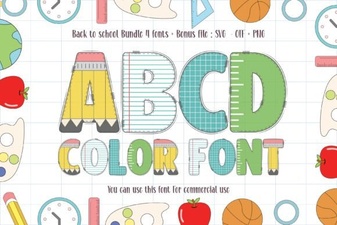 Creative Fonts for School Project Design
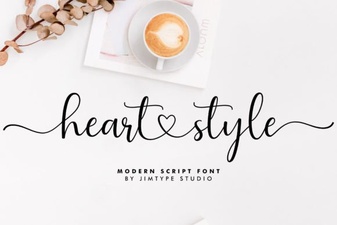 Heart Font Designs for Crafting & Creative Projects
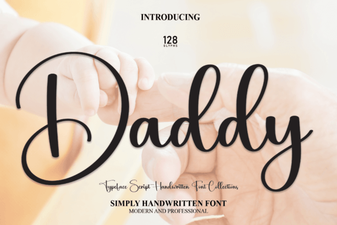 Daddy Font: Bold Design Ideas and Resources
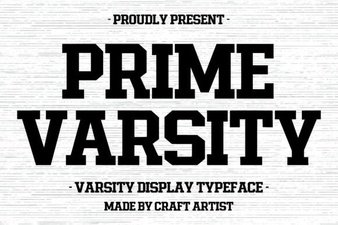 Prime Varsity Font Download & Design Tips
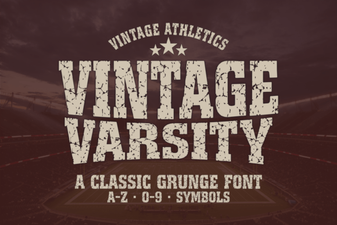 Your Vintage Sports Logo Project Guide
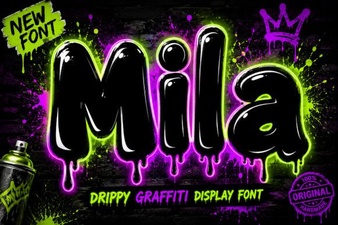 Discover Creative Typography with the Mila Font